ChatGPT Plus is billed in US dollars, and that's where many Nigerians get stuck. You enter your naira debit card, tap subscribe, and the payment fails. If that sounds familiar, you're not doing anything wrong. The problem is usually the card, not you.
This guide explains why naira cards often fail for international subscriptions, and how to pay for ChatGPT Plus with a virtual dollar card instead.
Why your naira card gets declined
When you pay a foreign company like OpenAI, your card has to make an international payment in dollars. A few things commonly get in the way:
- International spending limits. Many Nigerian banks have reduced or suspended international payments on naira debit cards, or capped them at small amounts.
- Currency conversion. Your bank has to convert naira to dollars, and if it can't (or won't) at that moment, the payment is declined.
- Merchant checks. Some international merchants decline cards they consider high risk, even when you have enough money.
A virtual dollar card avoids most of this. It's a USD card, so there's no naira-to-dollar conversion at checkout. You load it with dollars first, then pay like anyone else would.
What you need
- An OpenAI account (the same one you use for ChatGPT).
- A virtual dollar card, such as the Pyker dollar card.
- Enough balance on the card to cover the subscription, plus a small buffer.
How to pay for ChatGPT Plus with a Pyker dollar card
- Download Pyker and verify your account. Sign up, then verify your BVN in the app. It usually takes a few minutes.
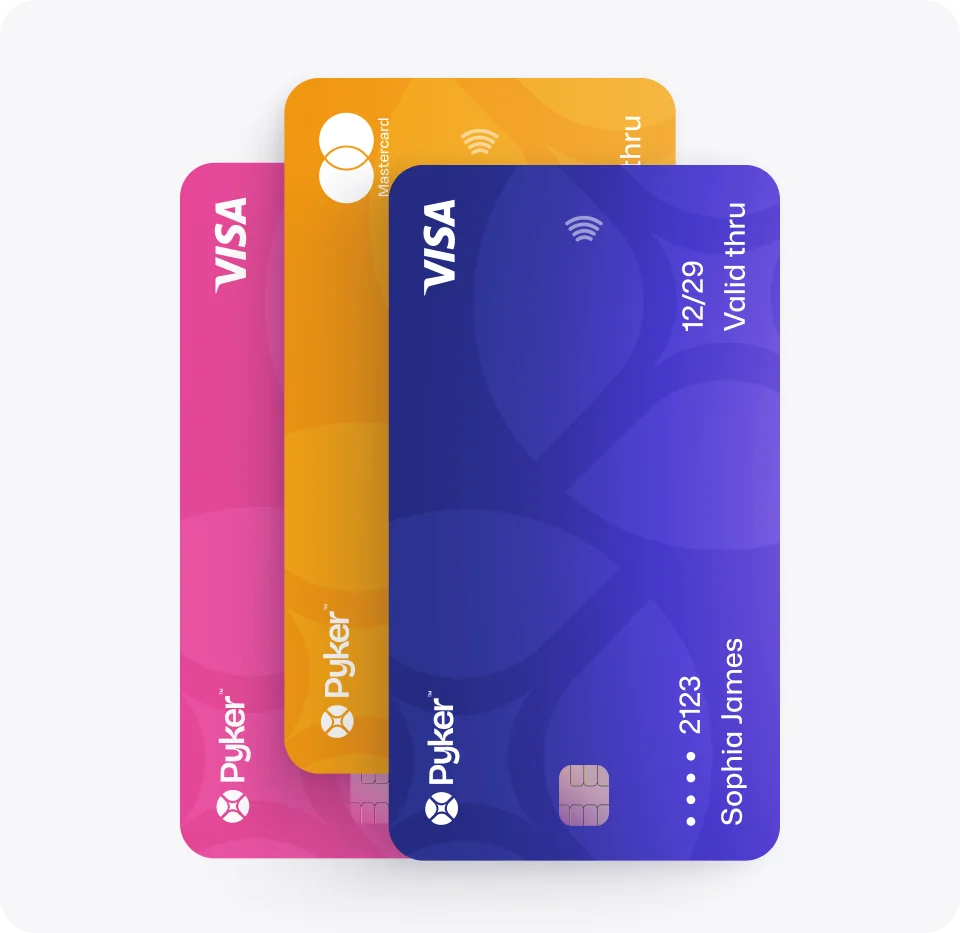
- Create your virtual dollar card. Choose Visa or Mastercard and pick a colour. A one-time issuance fee is shown before you confirm.
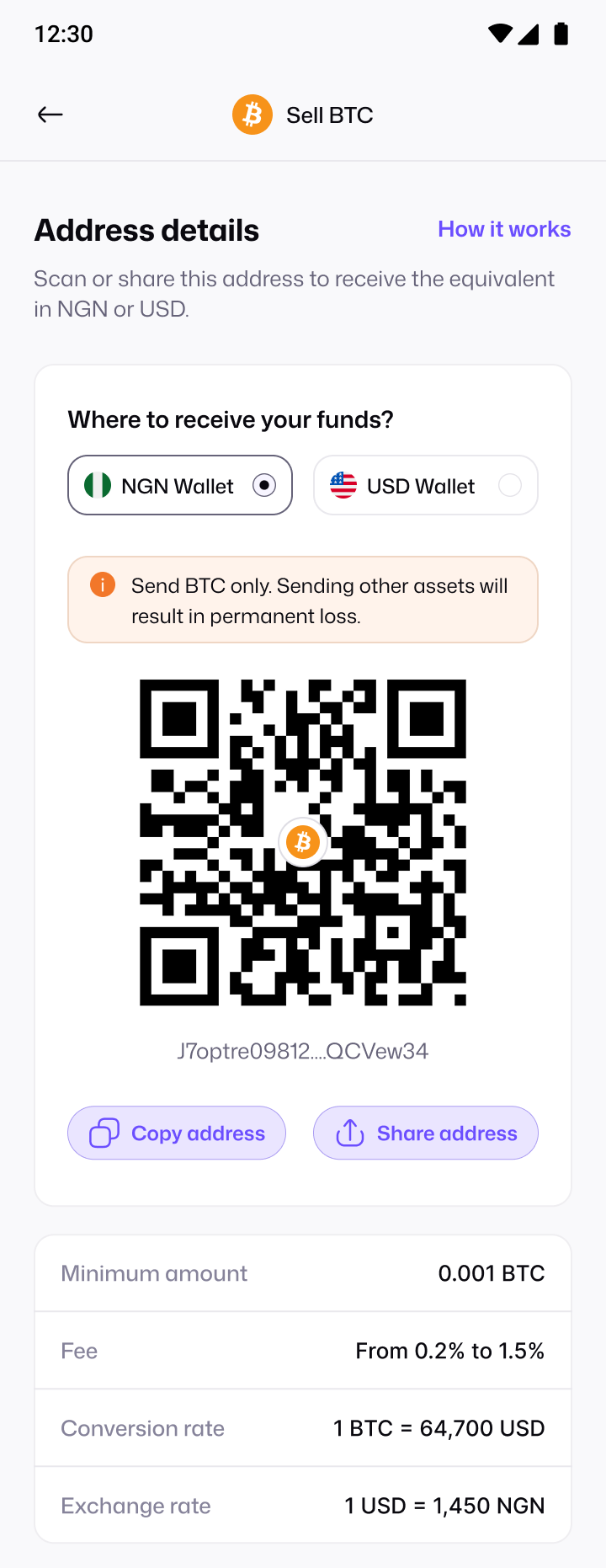
- Fund your card. Move money from your Pyker balance onto the card. You can top up your balance by bank transfer or by selling crypto for naira.
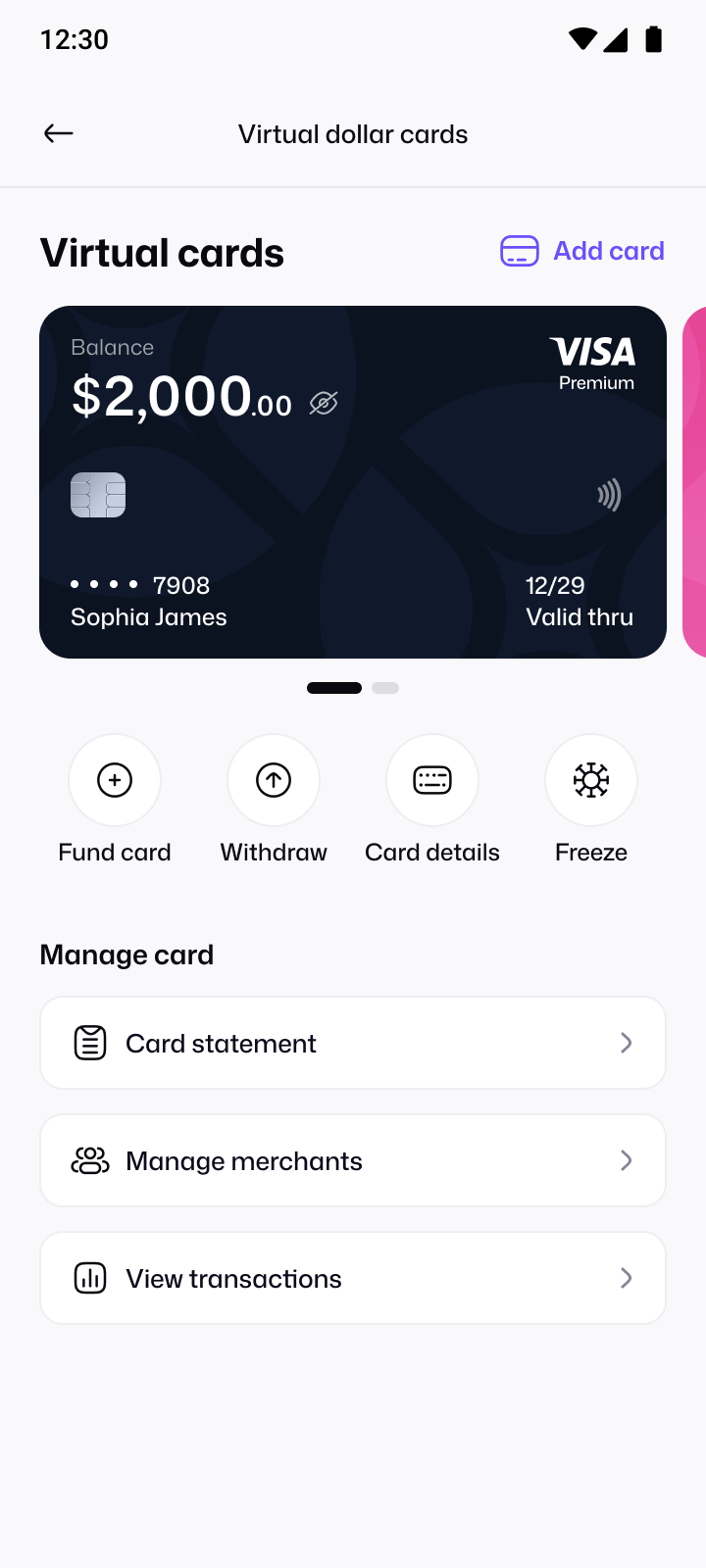
- Get your card details. In the app, open your card and confirm your PIN to see the card number, expiry date and CVV.
- Subscribe in ChatGPT. Open ChatGPT, choose to upgrade to Plus, and enter your Pyker card details at checkout.
If your payment is still declined
Most failed payments come down to one of these. Run through them before trying again:
- Balance: make sure the card itself has enough dollars, not just your Pyker wallet.
- Frozen card: a frozen card can't be charged. Unfreeze it in the app.
- Typos: double-check the card number, expiry date and CVV.
- Network: some merchants accept one network more readily than another. If one card keeps failing, you can create a card on the other network.
If none of that works, contact Pyker support at support@usepyker.com and we'll help you look into it.
Use the same card for your other subscriptions
Once your dollar card works for ChatGPT, the same steps work for other services too: AI tools like Claude, Apple and Google subscriptions, Netflix, and Udemy courses. Freezing your card between payments adds an extra layer of protection, but remember to unfreeze it before a renewal is due.
Subscribing on your phone: the Google Play route
If you upgrade inside the ChatGPT app on Android, the payment usually goes through Google Play billing instead of OpenAI's website checkout. In that case, add your dollar card as a payment method in the Google Play Store first, then subscribe in the app.
- Open the Google Play Store and go to Payments & subscriptions.
- Choose to add a payment method, select Add credit or debit card, and enter your Pyker card details.
- Return to the ChatGPT app, tap upgrade, and pick your new card at checkout.
Subscribing on the ChatGPT website and subscribing through Google Play are separate. If you switch later, cancel the old subscription so you aren't charged twice.
Managing your subscription
- Know your renewal date. It's shown in your ChatGPT account settings, or in Google Play if you subscribed there.
- Top up ahead of time. Fund your card a day or two before renewal, so a slow transfer doesn't cause a failed payment.
- Cancelling: cancel from the same place you subscribed. Freezing your card stops future charges too, but cancelling properly avoids failed-payment notices.
- Check your statement. Your Pyker card statement shows every charge, so you can confirm what you've been billed.