If you've tried to pay for an international subscription, app or online order with a naira card, you've probably seen a declined payment at least once. Virtual dollar cards have become the go-to fix. Here's how they work and what to look for.
What is a virtual dollar card?
A virtual dollar card is a Visa or Mastercard debit card that exists only digitally and holds US dollars. It has a card number, expiry date and CVV like a physical card, so you can use it anywhere online that accepts Visa or Mastercard. You can't tap it at a shop, but for online payments it works like any other card.
Why Nigerians use them
- Naira card limits. Many banks restrict international spending on naira cards, so foreign payments fail.
- Paying in dollars directly. Your card already holds dollars, so there's no conversion at checkout.
- Control. You only load what you plan to spend, which limits your exposure if a merchant is compromised.
- No domiciliary account needed. You fund the card from your app balance instead.
What to check before choosing a card
| What to check | Why it matters |
|---|---|
| Issuance fee | Some cards charge a one-time fee to create the card. Check it before you confirm. |
| Funding options | How easily can you load dollars? From naira, from crypto, or both? |
| Visa or Mastercard | Some merchants accept one network more readily, so having a choice helps. |
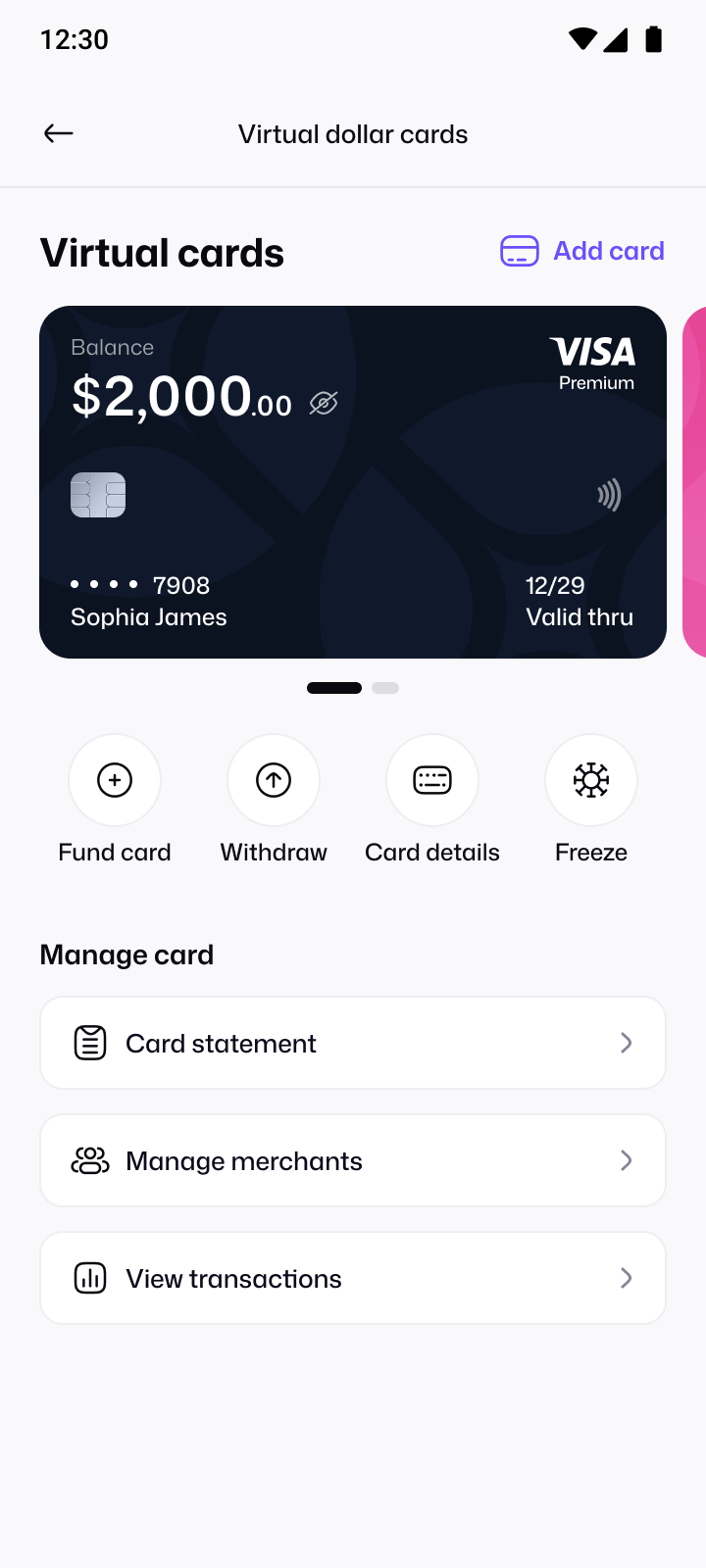
| Freeze and withdraw | You should be able to freeze the card instantly and move unused funds back. |
| Security | Card details should be protected, for example only shown after your PIN. |
How the Pyker dollar card works
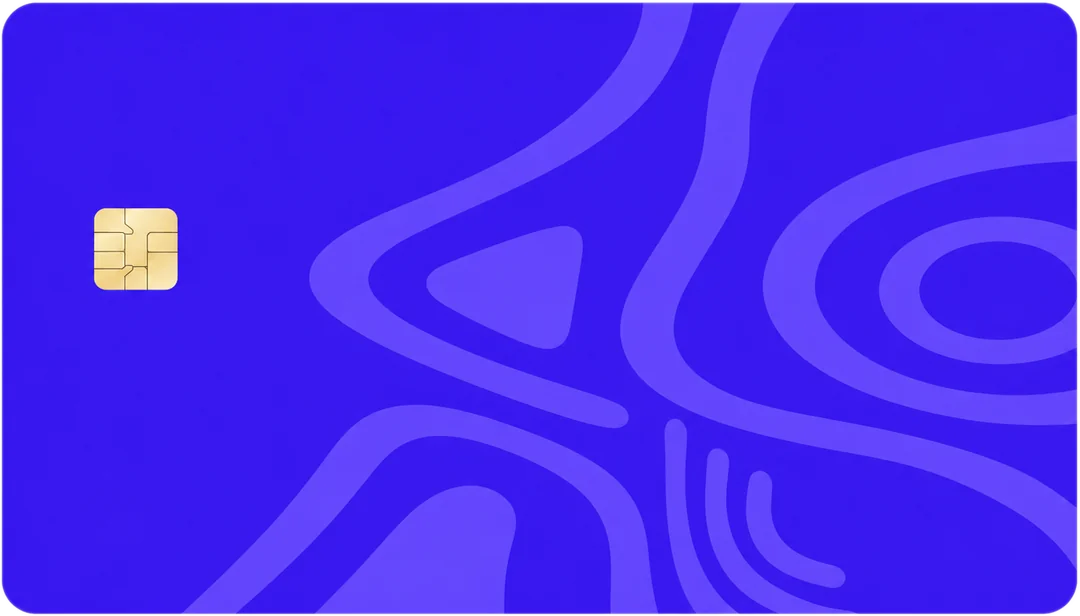
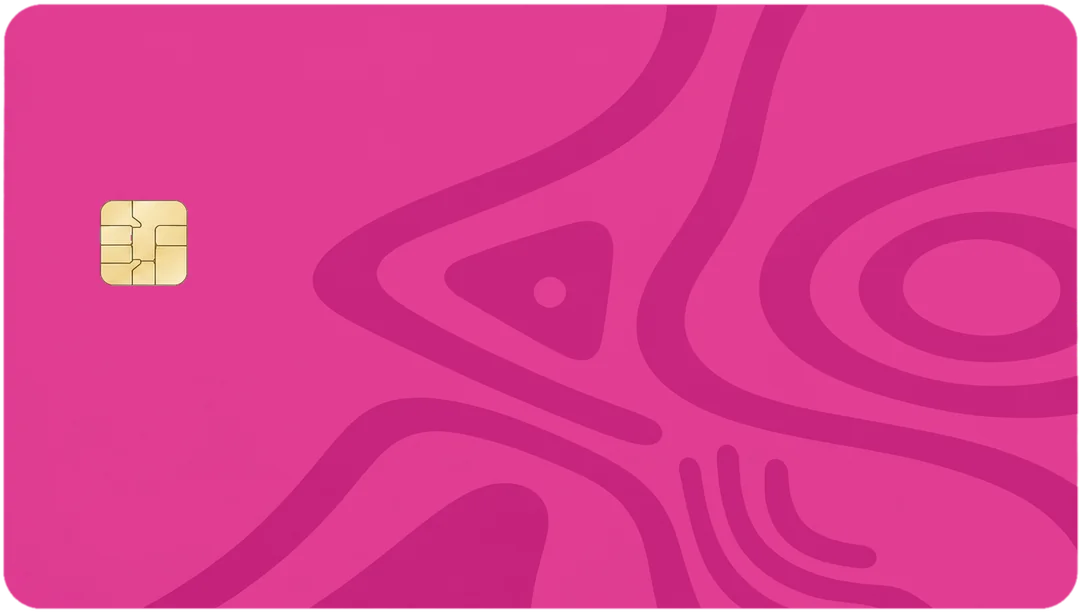
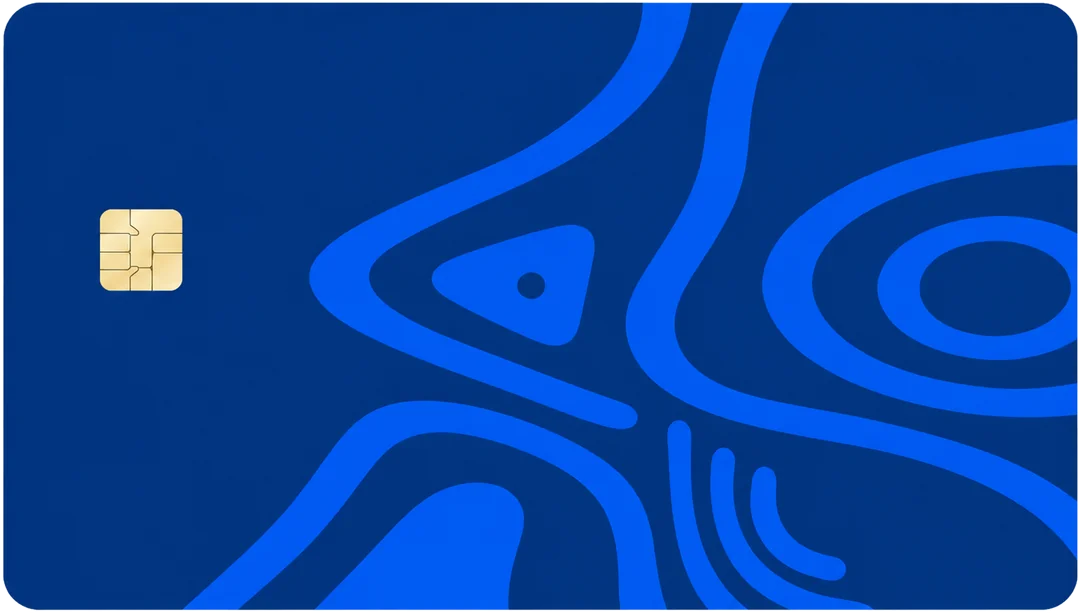
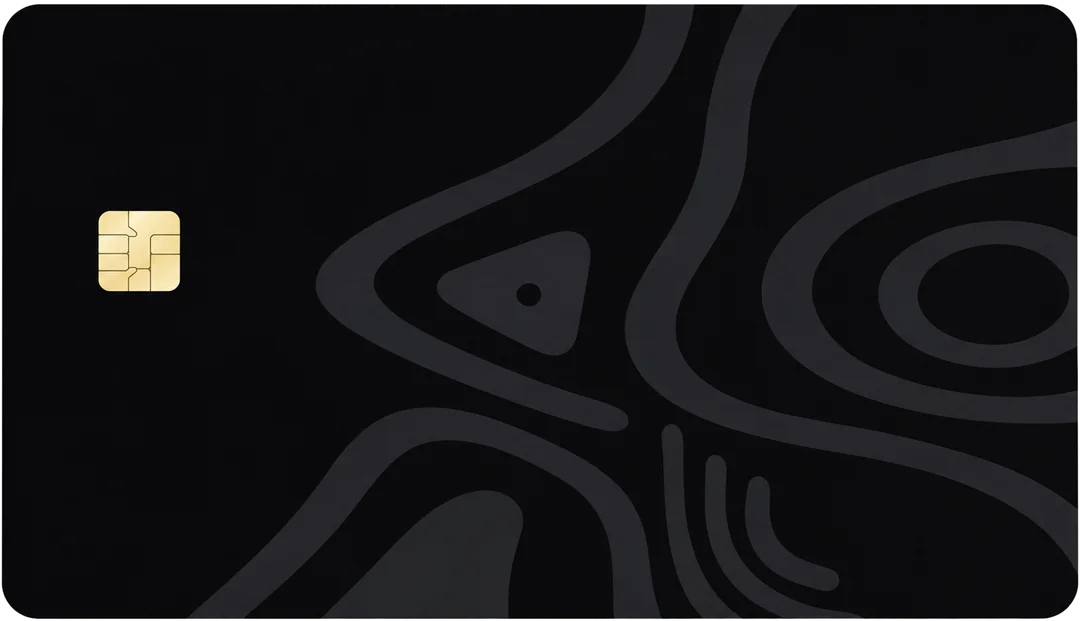
With Pyker's virtual dollar card, you choose Visa or Mastercard and one of five colours, and the card is ready in about a minute. A one-time issuance fee is shown before you confirm.
- Verify your account with your BVN in the Pyker app.
- Create your card and choose your network and colour.
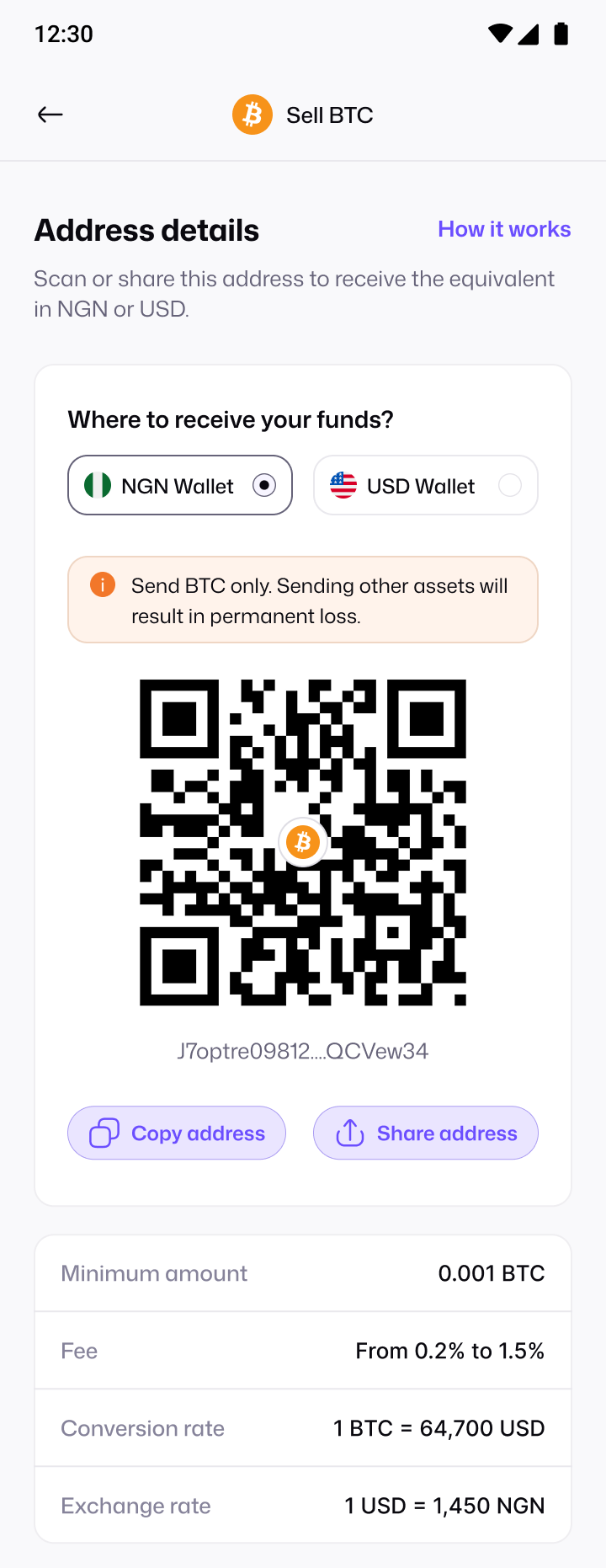
- Fund it from your Pyker balance. You can top up by bank transfer or by selling crypto.
- Pay online with the card details, which you see after confirming your PIN.
- Freeze, unfreeze or withdraw from the app whenever you need to.
Common uses
- Apple and Google: apps, iCloud, Google One and app store purchases.
- Streaming: Netflix and other streaming and music subscriptions.
- AI tools: Claude, and ChatGPT Plus.
- Learning: Udemy courses and other online classes.
- Free trials, using a card you can freeze in one tap.
Virtual vs physical dollar cards
| Virtual card | Physical card | |
|---|---|---|
| Where it works | Online payments and app stores | Shops, ATMs and online |
| How fast you get it | Usually within minutes | Days or weeks for delivery |
| If details leak | Freeze it instantly, or create a new one | Often needs a replacement card |
| Best for | Subscriptions, software and online shopping | Travel and in-person spending |
How to keep your card safe
- Only enter details on trusted sites. Look for the official website or app before you pay.
- Load only what you need. A low balance limits the damage if a merchant is ever compromised.
- Freeze it between uses, and unfreeze it before planned payments or renewals.
- Check your statement regularly so you spot any charge you don't recognise quickly.
- Never share your CVV or PIN. No genuine support team will ask for them.
What happens to money you don't spend
Your card balance stays yours. With Pyker, you can withdraw unused funds from your card back to your wallet at any time, so you're never stuck with dollars on a card you no longer need.