
Sell Dogecoin for naira, instantly
Cash out your DOGE to naira or dollars. Send it to your own Pyker address and get paid as soon as the Dogecoin network confirms.
What Pyker pays for 1 DOGE, as of 22:36, 18 Oct (Lagos). Your exact rate is shown in the app before you send.
How to sell Dogecoin on Pyker
Choose Dogecoin and your payout
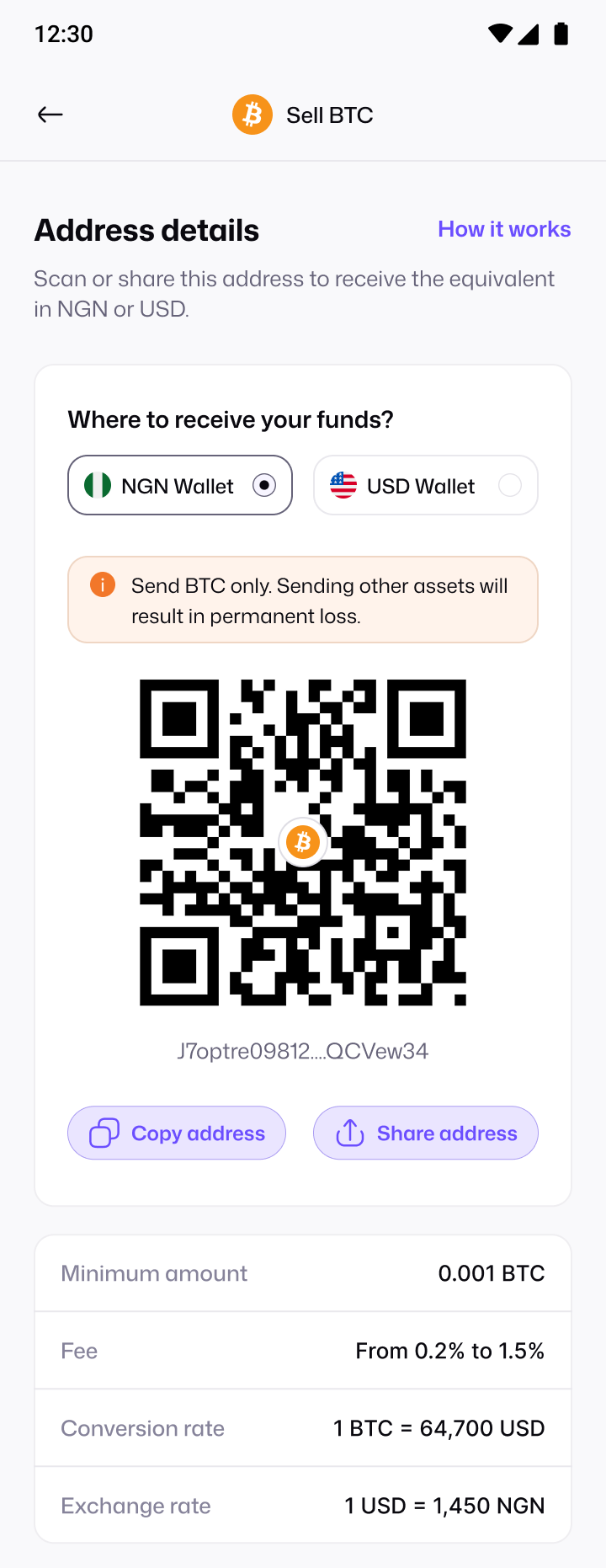
In the Pyker app, tap Sell crypto, pick Dogecoin, then choose whether you want naira or dollars.
Send DOGE to your address
Copy or scan your DOGE deposit address and send from any wallet or exchange.
Get paid in minutes
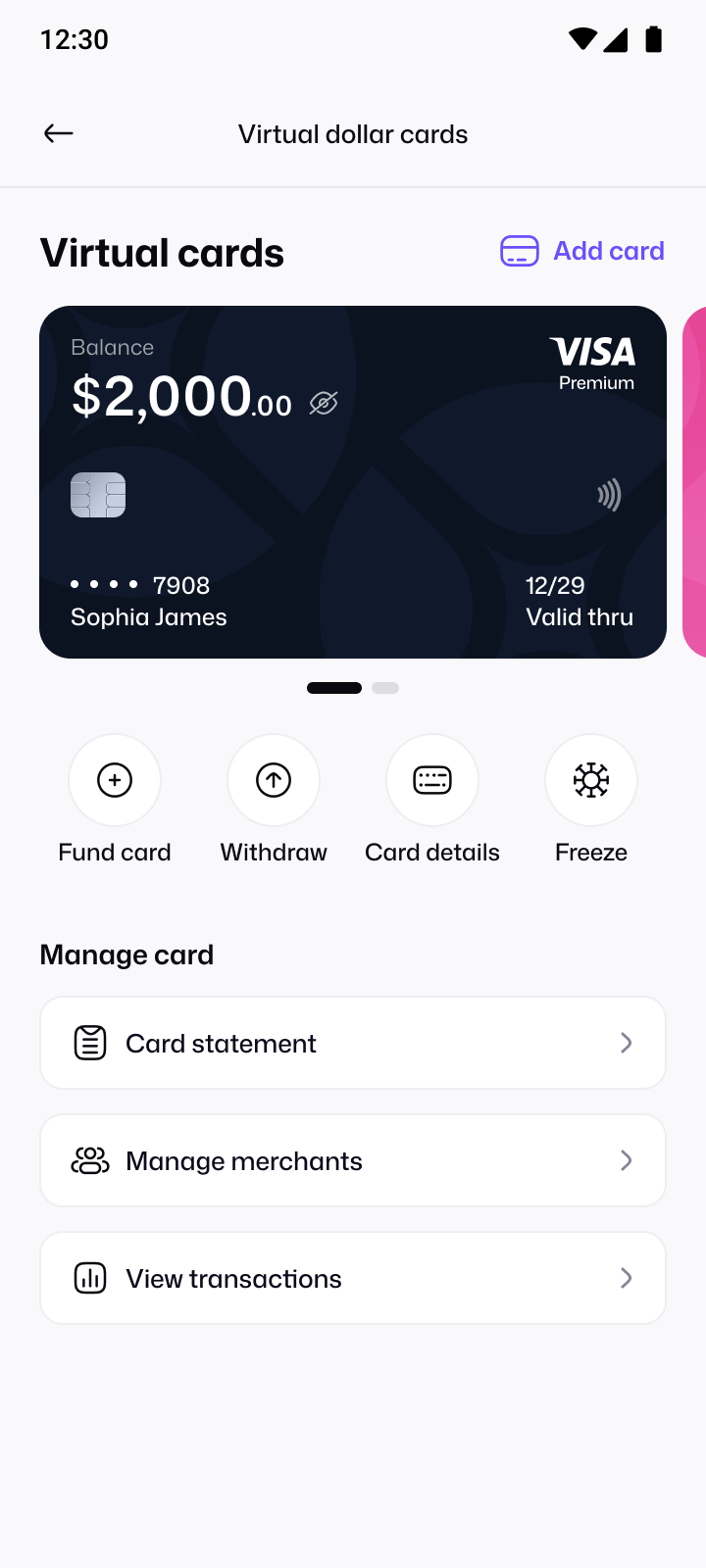
Once the network confirms your payment, your wallet is credited. Withdraw naira to your bank with no Pyker fee, or fund your dollar card.
Only send DOGE to your DOGE deposit address. Sending any other coin to it can result in permanent loss.
A better way to sell DOGE
Instant sell
No buyers, no haggling. Your wallet is credited automatically once your DOGE confirms.
One upfront rate
See your rate before you send, with Pyker's fee already built in.
Your own address
A dedicated DOGE address in your account, ready whenever you want to sell.
Naira or dollars
Choose your NGN or USD wallet for every sale.
Selling DOGE: instant sell vs P2P
| Pyker instant sell | P2P trading | |
|---|---|---|
| Who you trade with | No one. You send to your own Pyker address and the sale happens automatically. | A stranger, who has to accept your order and pay you. |
| Waiting | No buyer to wait for. Your wallet is credited once the deposit confirms. | You wait for a buyer, then for their bank transfer to arrive. |
| Your rate | Shown before you send, with Pyker's fee built in. | Set per trade, and can change while you negotiate. |
| Fake payment alerts | Not possible. There's no buyer to send one. | A common scam: you release crypto for money that never arrives. |
| How you're paid | To your NGN or USD wallet, with a receipt. | Bank transfer from the buyer's account. |
Selling Dogecoin: FAQs
Can't find what you're looking for?
Write to us at support@usepyker.com
Open the Pyker app, tap Sell crypto and choose Dogecoin. Pick your NGN or USD wallet, then send DOGE to the deposit address Pyker gives you. Once the network confirms your payment, your wallet is credited.
Your wallet is credited as soon as the network confirms your payment, usually within minutes. You can follow every step in the app, from payment detected to funds credited.
You'll see your exact rate in the app before you send anything. The rate on this page is today's Pyker rate, refreshed every few hours, so it can differ slightly as the market moves.
Pyker's fee is built into the rate you see before you send, so there's no separate charge to work out. Your exchange or wallet may charge its own network fee to send DOGE.
Yes. The minimum for DOGE is shown on your deposit address screen, so you can check it before you send.
Only send DOGE to your DOGE deposit address. Sending any other coin to it can result in permanent loss, so always double-check before you send.
Yes. When you generate your DOGE address, choose your USD Wallet as the destination instead of your NGN Wallet.
Yes. Add and verify your bank account in the app, then withdraw from your NGN Wallet. Pyker doesn't charge a fee for naira withdrawals.
Yes. You'll verify your BVN and complete a quick liveness check in the app before selling. It keeps your account and your money safe.
Guides for selling DOGE

Get the Pyker mobile app
Verify in minutes and turn your next deposit into naira you can spend, save or send.