
Looking for a Luno alternative?
Luno is built for buying, storing and investing in crypto. If you mostly want to sell crypto you already hold and get naira, here's how Pyker compares.
Compare the naira that lands in your bank, not the headline rate.
Check every app at the same moment, after all fees.Why people compare Luno with other apps
Luno describes itself as a place to buy, store and explore Bitcoin and other cryptocurrencies with naira, with instant buys and sells as well as an exchange for traders.
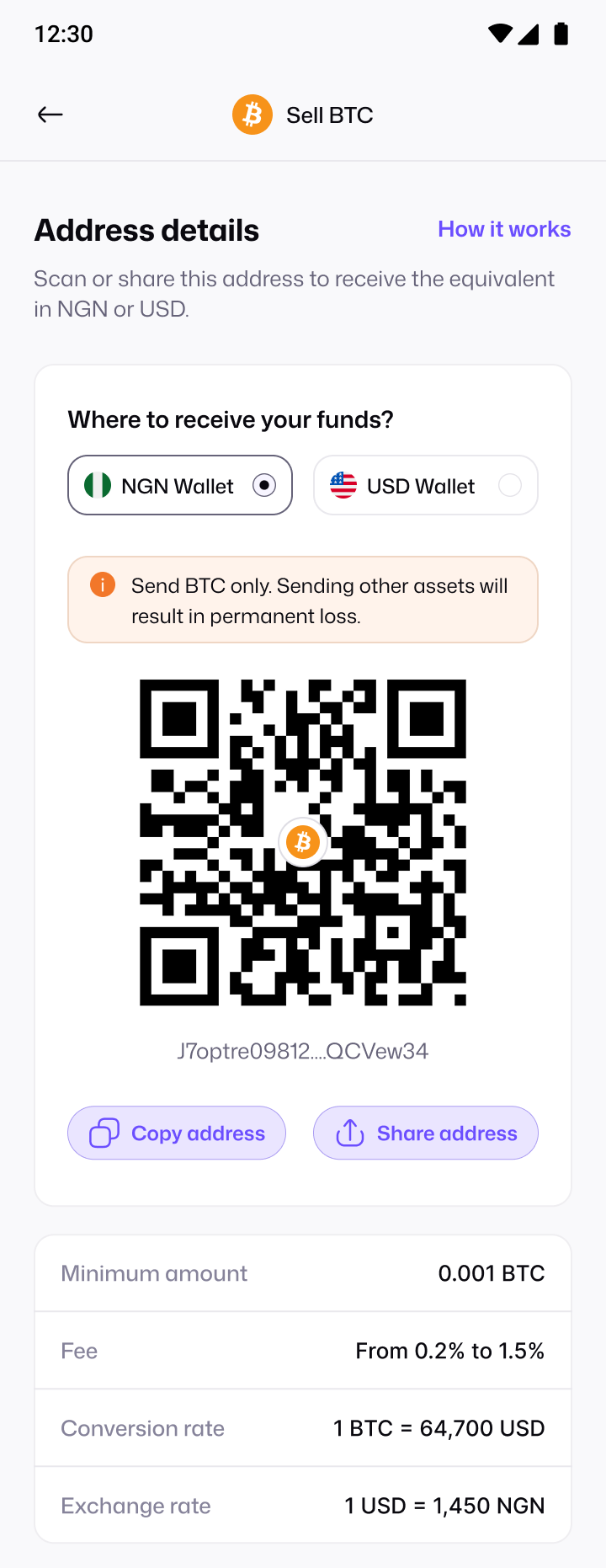
If you hold crypto elsewhere and just want naira, Pyker is focused on that one job: generate an address, send your coins, and get credited once they confirm.
Pyker vs Luno
| Pyker | Luno | |
|---|---|---|
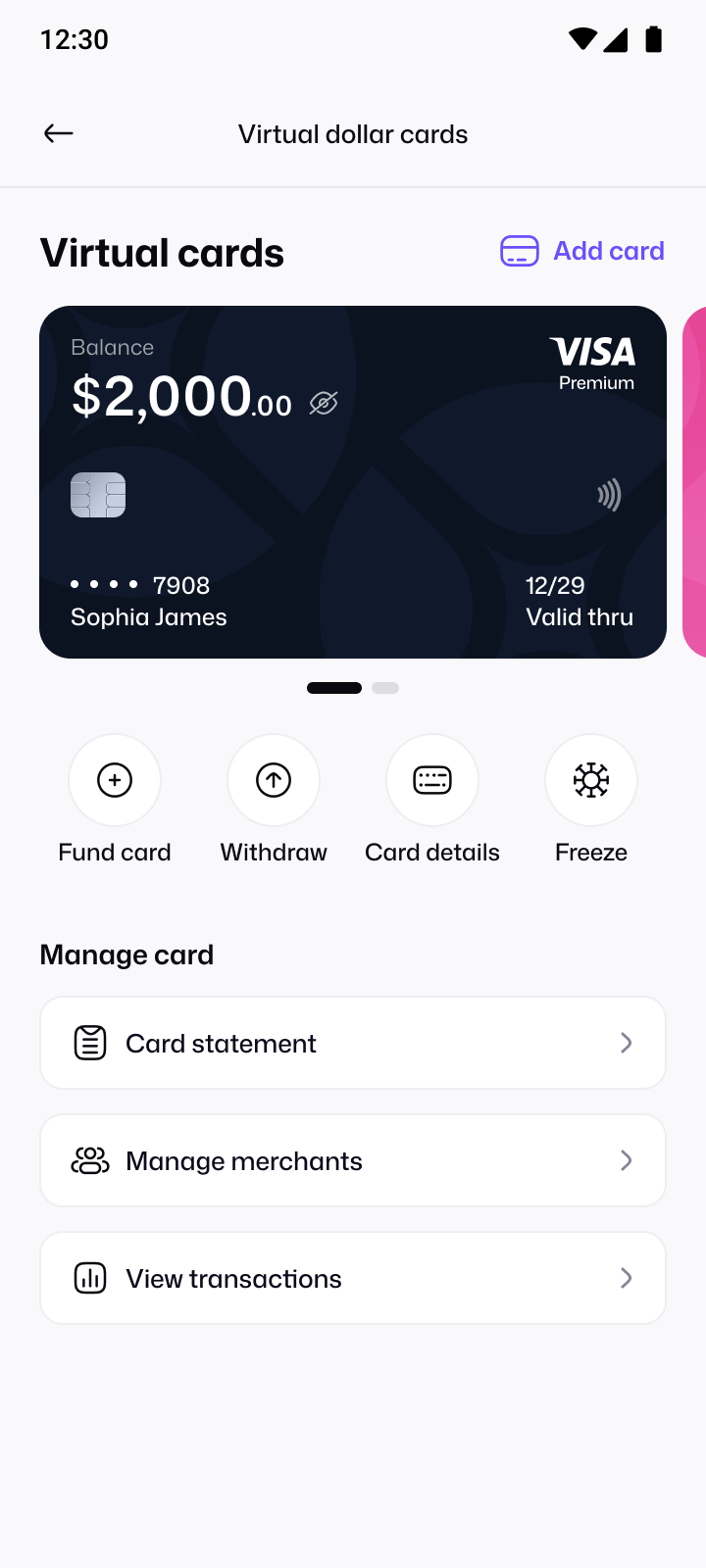
| What it's built for | Selling crypto for naira or dollars, and paying online with a dollar card. | Buying, storing and investing in crypto, with an exchange for traders. |
| How you sell | Instant sell: send to your own Pyker address and your wallet is credited automatically once it confirms. | Instant sell from your portfolio, or orders on the Luno Exchange. |
| Fees to check | Pyker's fee is built into the rate shown, and Pyker charges no fee to withdraw naira. | Luno publishes its Nigeria fees and limits in its help centre. |
Comparing rates or cashout speed?
The fairest comparison is the naira that actually reaches your bank. Here's how to check it.
Compare at the same moment
Rates move constantly. Check each app within the same few minutes, for the same amount.
Count every fee
Look at the naira you'd actually receive: rate, selling fees and withdrawal fees together. On Pyker, our fee is built into the rate you see.
Check the cashout
Money in an app isn't money in your bank. Pyker doesn't charge a fee to withdraw naira to your verified bank account.
Factor in waiting
P2P trades depend on a buyer. With instant sell, your wallet is credited automatically once your deposit confirms.
Moving from Luno to Pyker
Compare at the same moment
Check the naira you'd receive on each app within the same few minutes, after all fees.
Get your Pyker address
Verify your account, tap Sell crypto, choose your coin and network, and copy your address.
Send from Luno
Send your crypto from Luno to your Pyker address. You're credited once it confirms.
Tired of surprise fees and slow cashouts?
Common frustrations when selling crypto in Nigeria, and how Pyker handles each one.
Surprise fees after you sell
One upfront rate
Pyker's fee is built into the rate you see before you send, so there's no separate charge to work out.
Waiting on a buyer to pay
Instant sell, no counterparty
Send to your own Pyker address. Your wallet is credited automatically once your deposit confirms.
Paying to get your money out
Free naira withdrawals
Withdraw naira from your wallet to your verified bank account with no Pyker fee.
Not knowing where your money is
Every step, tracked
See your payment detected, validated and credited in real time, with a receipt for every sale.
Luno alternative: FAQs
Can't find what you're looking for?
Write to us at support@usepyker.com
Compare both at the same moment and look at the naira that reaches your bank after every fee. Luno publishes its Nigeria fees in its help centre; on Pyker, our fee is built into the rate and naira withdrawals are free.
No. Pyker is built for selling crypto and spending online. It doesn't offer investing or trading tools.
Yes. Generate a deposit address in the Pyker app, then send from Luno to it on the matching network.
Other platforms people are switching from
Information about other platforms comes from public reporting, checked October 2026, and may have changed since. Platform names are trademarks of their respective owners. Pyker isn't affiliated with or endorsed by them.

Get the Pyker mobile app
Verify in minutes and turn your next deposit into naira you can spend, save or send.