USDT (Tether) is the most popular way Nigerians hold value in crypto, and for good reason: it's pegged to the US dollar, so it doesn't swing like Bitcoin. But sooner or later, you'll want to turn some of it into naira to pay rent, buy groceries or settle bills.
This guide walks through how to sell USDT for naira, the one mistake that causes most lost funds, and how to get paid quickly without the stress of P2P trades.
Your options for selling USDT in Nigeria
| Method | How it works | Watch out for |
|---|---|---|
| P2P marketplaces | You trade directly with another person who pays you by bank transfer. | Waiting for buyers, payment disputes and fake payment alerts. |
| Instant-sell apps | You send USDT to an address and the app credits your naira wallet. | Always check the network and the rate before you send. |
| Friends and dealers | Informal trades with people you know. | No protection if something goes wrong. |
Instant-sell apps like Pyker remove the back-and-forth. There's no buyer to wait for, and you see your rate before you send anything.
Step 1: Know which network your USDT is on
USDT exists on several blockchains, such as Tron (TRC20), Ethereum (ERC20) and BNB Smart Chain (BEP20). The same USDT on different networks uses different addresses. You must send on the same network your receiving address is for.
Not sure which one to use? Read our guide to USDT networks: TRC20 vs ERC20 vs BEP20.
Step 2: Sell USDT on Pyker
- Verify your account. Sign up in the Pyker app and complete BVN verification and a quick liveness check.
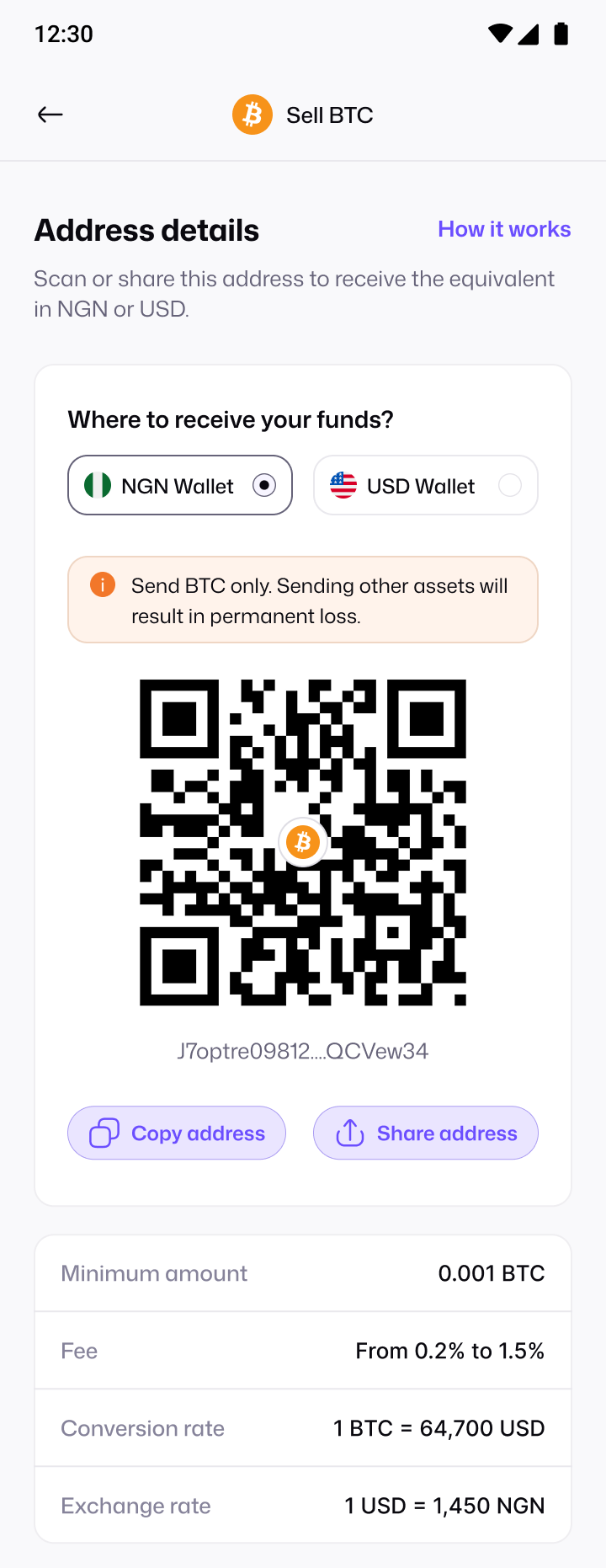
- Choose USDT and your payout. Tap Sell crypto, pick USDT, and choose whether you want to be paid in naira (NGN Wallet) or dollars (USD Wallet).
- Pick your network. Choose the network you're sending from. Pyker gives you a deposit address for that network.
- Check the details. The app shows the live rate and the minimum amount before you send.
- Send your USDT. Copy or scan the address in your exchange or wallet, double-check the network, and send.
- Track it. Watch your payment go from detected to validated to credited, with a receipt at the end.
Step 3: Use your naira
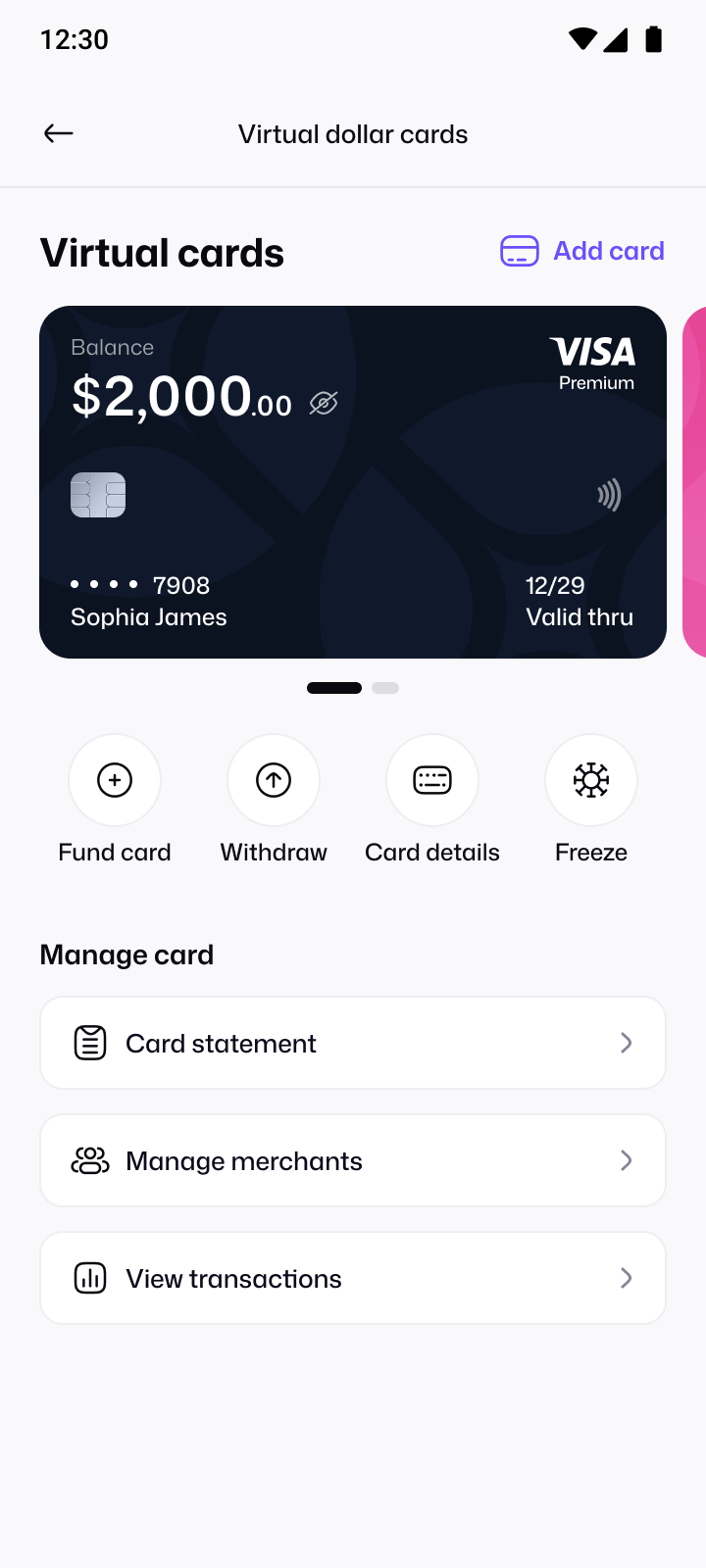
Once your wallet is credited, the money is yours to use. You can keep it in your naira wallet, or move it onto a virtual dollar card to pay for subscriptions and shopping online.
How to get a better rate
- Compare before you send. Check today's market price on our crypto rates page, then compare it with the rate shown in the app.
- Mind network fees. Your exchange or wallet charges a fee to send. Fees differ a lot between networks, so the cheapest network can save you money on smaller amounts.
- Avoid rushed trades. Rates move, but a few minutes rarely matters as much as sending to the right address on the right network.
Before you start: a quick checklist
- Your Pyker account is verified, including BVN and liveness check.
- You know which network your USDT is on, and your exchange or wallet supports withdrawing on it.
- You've checked the minimum amount for USDT in the app.
- You have a little extra to cover the network fee your exchange charges to send.
Sending USDT from an exchange
Most people send USDT from an exchange account. The steps are similar on every platform:
- Go to your exchange wallet and choose Withdraw, then select USDT.
- Paste your Pyker deposit address. Copy it from the app instead of typing it.
- Choose the same network you picked in Pyker. This is the step that matters most.
- Enter the amount, check the network fee and the amount that will arrive, then confirm.
- Complete any security checks your exchange asks for, such as email or 2FA codes.
Exchanges sometimes take a few minutes to process a withdrawal before it reaches the blockchain. Once it's on its way, you'll see the payment detected in the Pyker app.
How long does it take?
Timing depends on two things: how quickly your exchange processes the withdrawal, and how quickly the network confirms the transaction. Once the network confirms, Pyker credits your wallet, usually within minutes. You can follow every stage in the app, so you're never left guessing.