When you withdraw USDT from an exchange, you're asked to choose a network: TRC20, ERC20, BEP20 and sometimes more. It's the step that confuses people most, and getting it wrong can mean losing your money. Here's what those names mean and how to choose.
What a USDT network is
USDT isn't tied to one blockchain. Tether issues versions of USDT on several networks, and each version lives only on its own network. One USDT on Tron and one USDT on Ethereum are both worth about one dollar, but they travel on completely separate roads.
The labels describe the token standard on each network:
- TRC20 is USDT on the Tron network.
- ERC20 is USDT on the Ethereum network.
- BEP20 is USDT on BNB Smart Chain.
How the main USDT networks compare
| Network | Addresses look like | Fees | Good to know |
|---|---|---|---|
| TRC20 (Tron) | Start with T | Usually low | Widely supported by exchanges for USDT transfers. |
| ERC20 (Ethereum) | Start with 0x | Can be high when Ethereum is busy | Often expensive for small amounts. |
| BEP20 (BNB Smart Chain) | Start with 0x | Usually low | Same address format as Ethereum, so easy to confuse. |
Which network should you use?
There isn't one right answer. The right network is the one that both your sending wallet and your receiving address support. After that, compare fees:
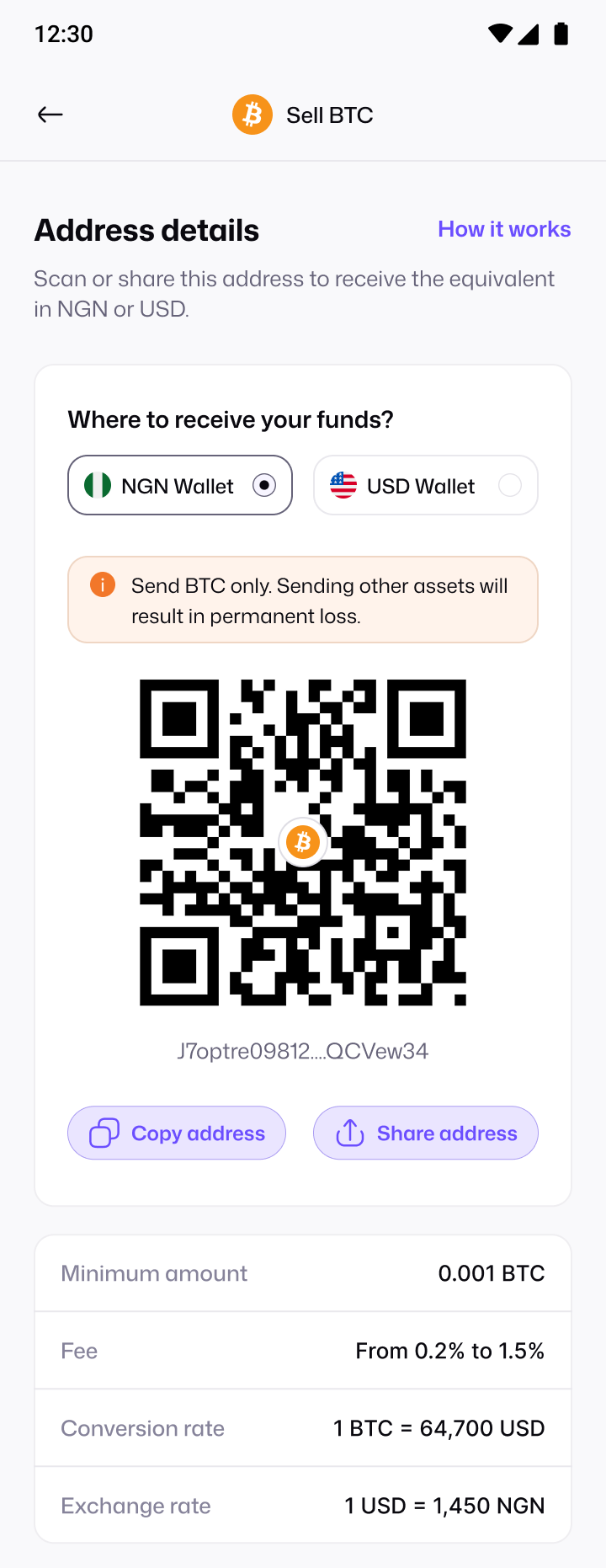
- Check what the receiver supports. On Pyker, the app shows which networks are available for USDT when you generate your deposit address.
- Check what your exchange or wallet supports. Not every platform offers every network.
- Pick the cheapest network you both support. The withdrawal screen on your exchange shows the network fee before you confirm.
- Match them exactly. Send on the same network you chose when you generated the address.
What happens if you choose the wrong network?
If you send USDT on a network the receiving address doesn't support, the funds may not arrive and can be lost permanently. Recovery, when it's possible at all, is slow and never guaranteed. That's why the best protection is checking before you send.
- Copy the address directly from the app; never type it by hand.
- Confirm the network name on both screens matches.
- For a large amount, send a small test first.
Other USDT networks you may see
Besides TRC20, ERC20 and BEP20, exchanges may offer USDT on other blockchains, such as Solana or TON. The same rule applies to every one of them: the sending network and the receiving address must match. If a network isn't offered by both sides, don't use it.
How to find the network setting on your exchange
- Open your exchange and go to Withdraw (sometimes called Send).
- Select USDT as the coin.
- Look for a field called Network or Chain. It's often a dropdown above or below the address field.
- Choose the network that matches your receiving address, and check the fee shown for that network.
Some exchanges try to detect the network from the address you paste. That's helpful, but because Ethereum and BNB Smart Chain addresses look identical, always check the selection yourself.
Quick checklist before you send USDT
- The network on your exchange matches the network of your deposit address.
- The address was copied and pasted, and the first and last characters match.
- The amount is above the minimum shown in the app.
- You've accounted for the network fee, so the amount that arrives is what you expect.